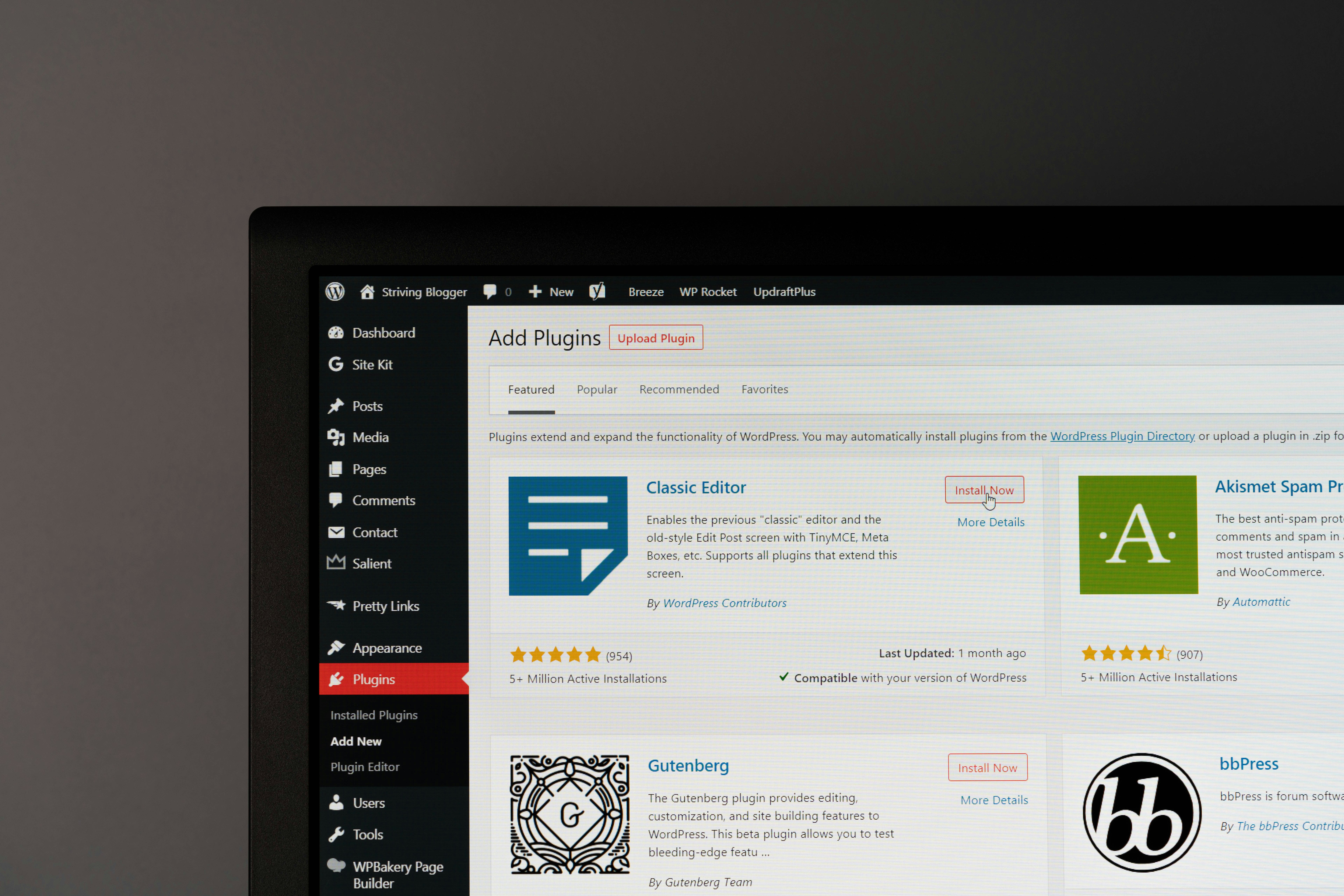
Building an online store might seem daunting, especially if you’re just starting out. But with WordPress, the possibilities are endless—even for beginners. With its flexibility and a wide variety of plugins, WordPress lets you transform a standard website into a fully functional e-commerce store in no time.
Choosing the right plugin is key to success. The right tool won’t just help you accept payments, manage inventory, or design your store; it’ll save you time and effort, setting you up for long-term growth.
This guide will walk you through the best WordPress e-commerce plugins, highlight the features to consider, and share tips to optimize your online store for success.
What Are WordPress E-Commerce Plugins and Why Do You Need Them?
WordPress e-commerce plugins are software tools designed to add essential e-commerce functionalities to your WordPress website. Essentially, they transform your site into an online store where you can sell physical products, digital goods, or even subscription-based services.
Here’s what makes these plugins indispensable, especially for beginners:
- User-Friendly Options: Most plugins offer low-code or no-code solutions, making it easy to set up without technical expertise.
- Cost-Effectiveness: Many plugins come with free versions or affordable plans, perfect for those starting on a budget.
- Flexibility and Scalability: From selling a few items to managing a large inventory, these plugins can scale with your business growth.
Whether it’s enabling secure payments, optimizing your store’s design, or tracking sales, these tools cover all your essential needs, making them perfect for first-time store owners.
Essential Features to Look for in a WordPress E-Commerce Plugin
When choosing a WordPress e-commerce plugin, prioritize features that simplify store management and enhance user experience. Here are the must-haves:
1. Payment Gateways
Your plugin should support multiple secure payment methods like credit cards, PayPal, Stripe, and more. The easier it is for customers to pay, the more conversions you’ll see.
2. Inventory Management
Managing stock should be seamless. Look for tools that help you track inventory levels, set alerts for low stock, and manage variations.
3. Customizable Store Design
Your store needs to reflect your brand’s personality. Plugins with customizable layouts, themes, and design options allow for maximum creative control.
4. SEO Integration
Plugins with built-in SEO tools help your store rank higher in search engines, driving organic traffic to your website.
5. Mobile Responsiveness
With over 50% of online shopping occurring on mobile devices, a mobile-optimized experience is critical.
6. Robust Analytics
Data is key to growth. Choose plugins with analytics dashboards to track sales, monitor customer behavior, and evaluate store performance.
Each of these features can make a big difference in how your store operates and how satisfied your customers feel.
Top 5 WordPress E-Commerce Plugins to Consider
Now that you know what to look for, here’s a curated list of the best WordPress e-commerce plugins to elevate your store:
1. WooCommerce
- Overview: The most popular WordPress e-commerce plugin, WooCommerce powers over 25% of online stores worldwide.
- Key Features:
- Highly customizable product pages
- Integration with major payment gateways
- A vast library of extensions for added functionality
- Pros:
- Free to start
- Scalable for small to large stores
- Cons:
- Some extensions can be costly
- Setup may feel overwhelming for absolute beginners
2. Easy Digital Downloads (EDD)
- Overview: Ideal for selling digital goods like eBooks, software, or music.
- Key Features:
- Secure file delivery
- Licensing tools for software products
- Pros:
- Streamlined for digital product sellers
- Lightweight and beginner-friendly
- Cons:
- Limited for physical product sales
3. BigCommerce for WordPress
- Overview: Combines WordPress’s flexibility with BigCommerce’s robust hosted solution.
- Key Features:
- Scalable for larger businesses
- Centralized product and order management
- Pros:
- Great for fast-growing enterprises
- Eliminates WordPress performance issues with external hosting
- Cons:
- May be overkill for small stores
4. Shopify Buy Button
- Overview: Seamlessly integrates Shopify with WordPress.
- Key Features:
- Embeds a buy button on your WordPress site
- Syncs seamlessly with Shopify’s backend tools
- Pros:
- Simple and beginner-friendly
- Access to Shopify’s ecosystem
- Cons:
- Shopify subscription required
5. WP EasyCart
- Overview: Designed for small business owners who prioritize simplicity and affordability.
- Key Features:
- Free version with essential features
- Integrations with tools like MailChimp and QuickBooks
- Pros:
- Quick setup process
- Budget-friendly premium plans
- Cons:
- Limited flexibility for larger stores
How to Choose the Right Plugin for Your Store
Follow these steps to find the perfect plugin for your unique needs:
- Define Your Store Type
- Are you selling physical goods, digital products, or services? Choose a plugin tailored for that purpose.
- Determine Your Budget
- Opt for free or budget-friendly plugins if you’re starting small, and scale up to premium versions as your business grows.
- Evaluate Scalability
- Consider your long-term goals. If you plan to expand your inventory or customer base, choose a plugin that can handle growth.
- Test User-Friendliness
- Look for plugins that offer free trials or demos to evaluate ease of use.
- Check Reviews and Support
- Read reviews to understand other users’ experiences, and ensure the plugin offers accessible customer support.
Taking the time to assess your needs now can save you headaches later.
Tips for Optimizing Your Store with Plugins
Once your e-commerce plugins are up and running, take these steps to optimize performance and usability:
1. Speed Up Your Site
Use plugins for caching and image compression to reduce load times. Faster websites lead to happier customers.
2. Leverage SEO Tools
Plugins like Yoast SEO and Rank Math help optimize your pages, product descriptions, and blog posts for search engines.
3. Recover Abandoned Carts
Use plugins with abandoned cart recovery features to boost conversions by automatically reminding customers to finish their purchases.
4. Engage Customers
Plugins like MailChimp or HubSpot make it easy to set up email marketing campaigns and connect with your audience.
5. Stay Updated
Regularly update your WordPress core, plugins, and themes to avoid security risks and maintain peak performance.
These steps will help you drive traffic, improve user experience, and maximize sales.
Start Building Your Store Today
Choosing the right WordPress e-commerce plugin is essential for creating an efficient, customer-friendly online store. By focusing on must-have features like payment gateways, inventory management, and SEO optimization, you can ensure success in your e-commerce venture.
Don’t wait to start your online store. Explore the best plugins for your business needs, and take the first step toward building your dream e-commerce store today.
Learn more about optimizing your e-commerce website here!