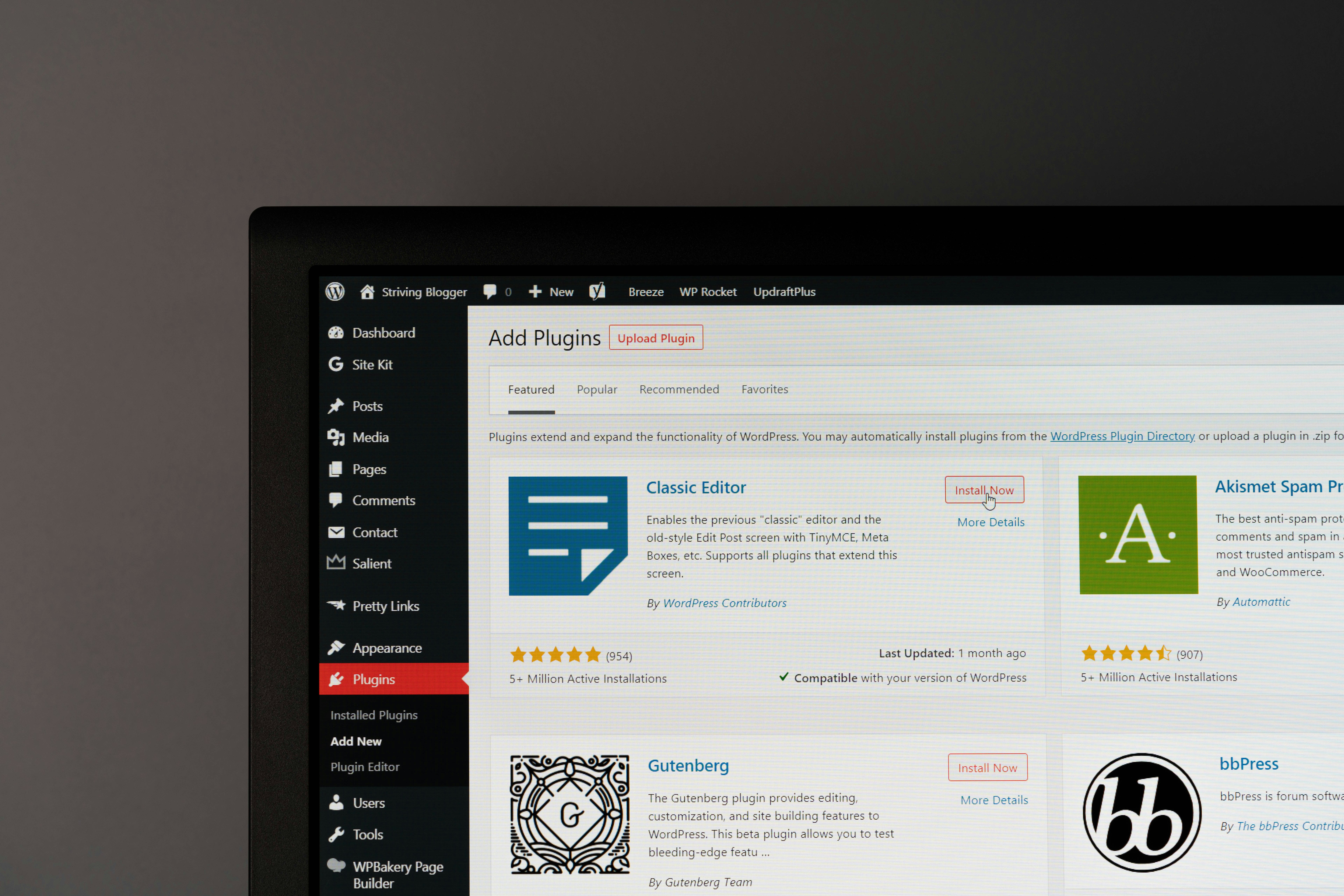
If you’re just starting out with your WordPress site, chances are you’re already asking how to increase your visibility online. You’re not alone—WordPress powers over 40% of websites globally, making it the go-to platform for website owners of all levels. However, without a solid SEO (Search Engine Optimization) strategy, even the most stunning WordPress website may remain hidden in the depths of search engine rankings.
For beginners, the concept of SEO can feel daunting. Terms like “keywords,” “meta descriptions,” and “technical SEO” might sound like an overwhelming barrier—yet the truth is, WordPress makes SEO more approachable than you think, thanks to its user-friendly structure, customizable tools, and powerful plugins.
This guide is here to break it all down for you. Together, we’ll demystify SEO basics, cover actionable strategies, and explore easy-to-use tools that will help you optimize your WordPress site effectively. Whether you’re setting up a business website, blog, or e-commerce store, mastering WordPress SEO is your key to driving more organic traffic.
Understanding WordPress SEO Basics
What is SEO and Why Does It Matter?
SEO (Search Engine Optimization) refers to the process of improving your website so it ranks higher in search engine results for relevant keywords. The higher your site ranks, the more visibility and organic traffic it gets, leading to better engagement, more leads, and higher sales.
Why WordPress is Perfect for SEO
WordPress is inherently designed with SEO in mind. Here’s why:
- SEO-Friendly Structure: WordPress creates clean, search engine-friendly code that helps Google crawl your site efficiently.
- Customizable Themes: Many WordPress themes are built with responsive designs and fast loading times, which are important ranking factors.
- Powerful Plugins: Tools like Yoast SEO or Rank Math make on-page SEO and technical optimization approachable for beginners.
Keyword Research for Beginners
What Are Keywords and Why Are They Important?
Keywords are the specific terms or phrases people type into search engines to find content. Identifying the right keywords helps you create content that aligns with what your audience is searching for.
Easy Keyword Research Tips
- Brainstorm Topics Related to your niche—What would you search for as a user?
- Google Autocomplete Look at suggested search queries when typing in keywords.
- Study Your Competitors Tools like Ubersuggest or SEMrush can reveal which keywords competitors rank for.
Best Keyword Research Tools
- Google Keyword Planner – A free tool perfect for beginners.
- Ubersuggest – Offers keyword recommendations alongside traffic estimates.
- SEMrush – Advanced features for competitive analysis and keyword tracking.
On-Page Optimization
What is On-Page SEO?
On-page SEO involves optimizing individual pages on your WordPress site to make them more search engine-friendly. This includes elements like titles, headers, and internal links.
Steps for On-Page Optimization
- Optimize Titles and Meta Descriptions
Use action-oriented titles with your focus keyword, and write concise, engaging meta descriptions to improve click-through rates.
- Strategic Keyword Placement
Use your keyword naturally in headers, body content, and image alt tags. Avoid keyword stuffing!
- Internal Linking
Link to related blog posts or pages within your site. This helps users and search engines discover additional content.
- Use SEO Plugins
Plugins like Yoast SEO provide easy-to-follow recommendations for better on-page optimization, like readability checks and focus keyword suggestions.
Technical SEO
Why Does Technical SEO Matter?
Technical SEO ensures search engines can crawl and index your site efficiently. It impacts crucial factors like site speed, mobile-friendliness, and secure connections (HTTPS).
Actionable Tips for Technical SEO
- Use a Lightweight Theme to improve loading speeds.
- Install WP Rocket or similar caching plugins to boost performance.
- Implement Image Compression Plugins like Smush to reduce image sizes without sacrificing quality.
- Create an XML Sitemap using plugins like All in One SEO and submit it to Google Search Console.
Content Marketing for WordPress SEO
The Role of High-Quality Content in SEO
Great content drives engagement, builds trust, and attracts backlinks—all of which are critical for higher rankings.
Tips for Content Creation
- Target User Intent – Create content that directly answers users’ questions.
- Update Existing Posts – Freshen up old content to keep it relevant and boost rankings.
- Add Internal and External Links – Link to your own posts for seamless navigation and to credible external sources for additional authority.
What Type of Content Works?
Try creating blog posts, tutorials, lists, videos, and infographics tailored to your audience’s interests.
Tracking and Analyzing Your SEO Performance
Why Monitoring SEO is Vital
Tracking key metrics allows you to understand what’s working (and what’s not), so you can make necessary adjustments.
The Best Tracking Tools
- Google Analytics – Monitors organic traffic, bounce rates, and user behavior.
- Google Search Console – Tracks indexing and keyword performance.
- MonsterInsights – Integrates Google Analytics into WordPress easily.
Key Metrics to Watch
- Organic traffic
- Bounce rate
- Keyword rankings
- Click-through rate (CTR)
Essential Tools for WordPress SEO
Here are some must-have tools to simplify your WordPress SEO activities:
- Yoast SEO – An all-in-one plugin for on-page SEO.
- WP Rocket – Optimizes site speed with caching and compression.
- Smush – Compresses images automatically.
- SEOPress – Offers advanced analytics.
- Rank Math – A versatile all-in-one alternative to Yoast.
Start Optimizing Your WordPress Site
Mastering WordPress SEO isn’t as intimidating as it might seem. With the right basics—like effective keyword research, on-page optimization, and a focus on quality content—you’ll be well on your way to boosting your website’s visibility.
Start small by optimizing your titles and meta descriptions, then gradually tackle content creation and technical SEO. Over time, build good habits like regularly tracking your performance and updating old posts.
Want to take your SEO game to the next level? Explore powerful WordPress SEO plugins today and start implementing these strategies. Your traffic (and site visitors) will thank you.